For Drivers & carriers
Fill your escorts fast.
- Post the loadDimensions, route, date and rate in a few taps.
- See who's on dutyPilot cars near pickup on a live map.
- Keep your crewSave the Pilots you trust and call them first.
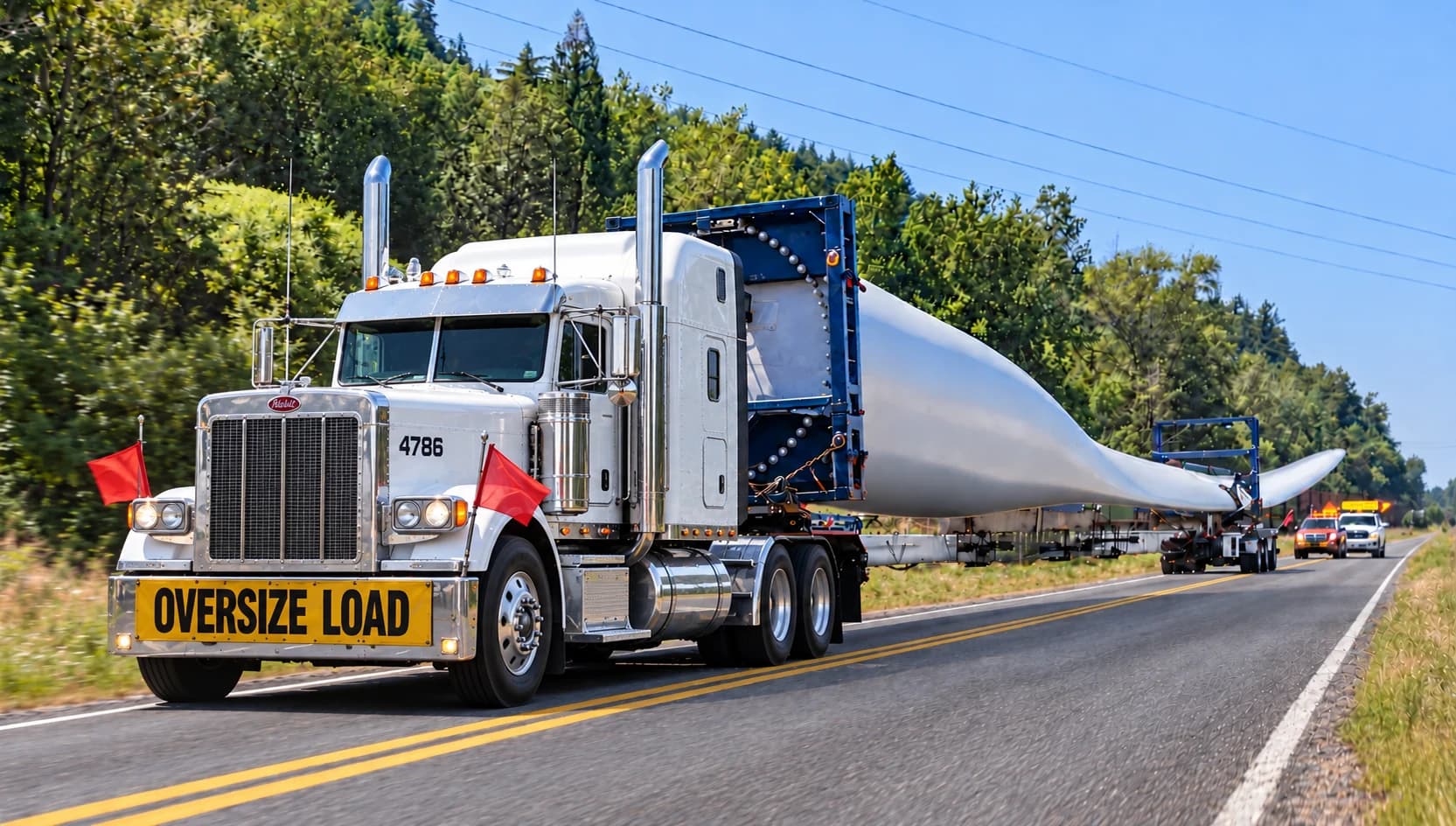
One account. Pick Driver or Pilot after you sign up.
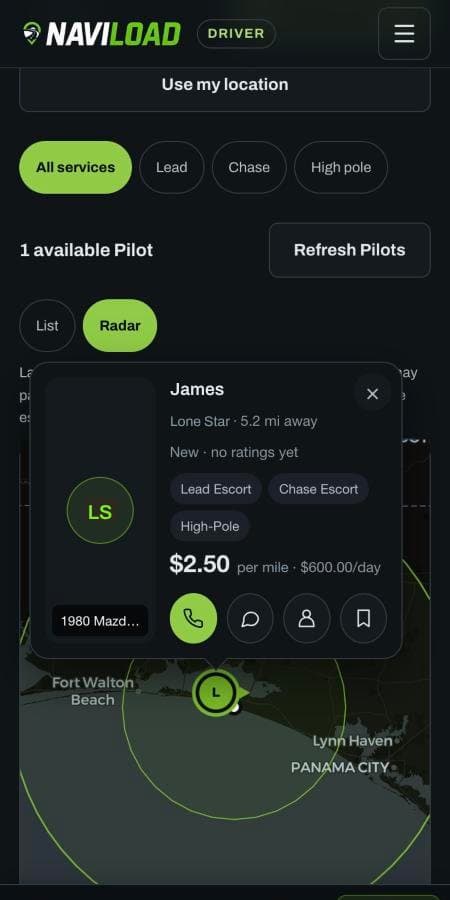
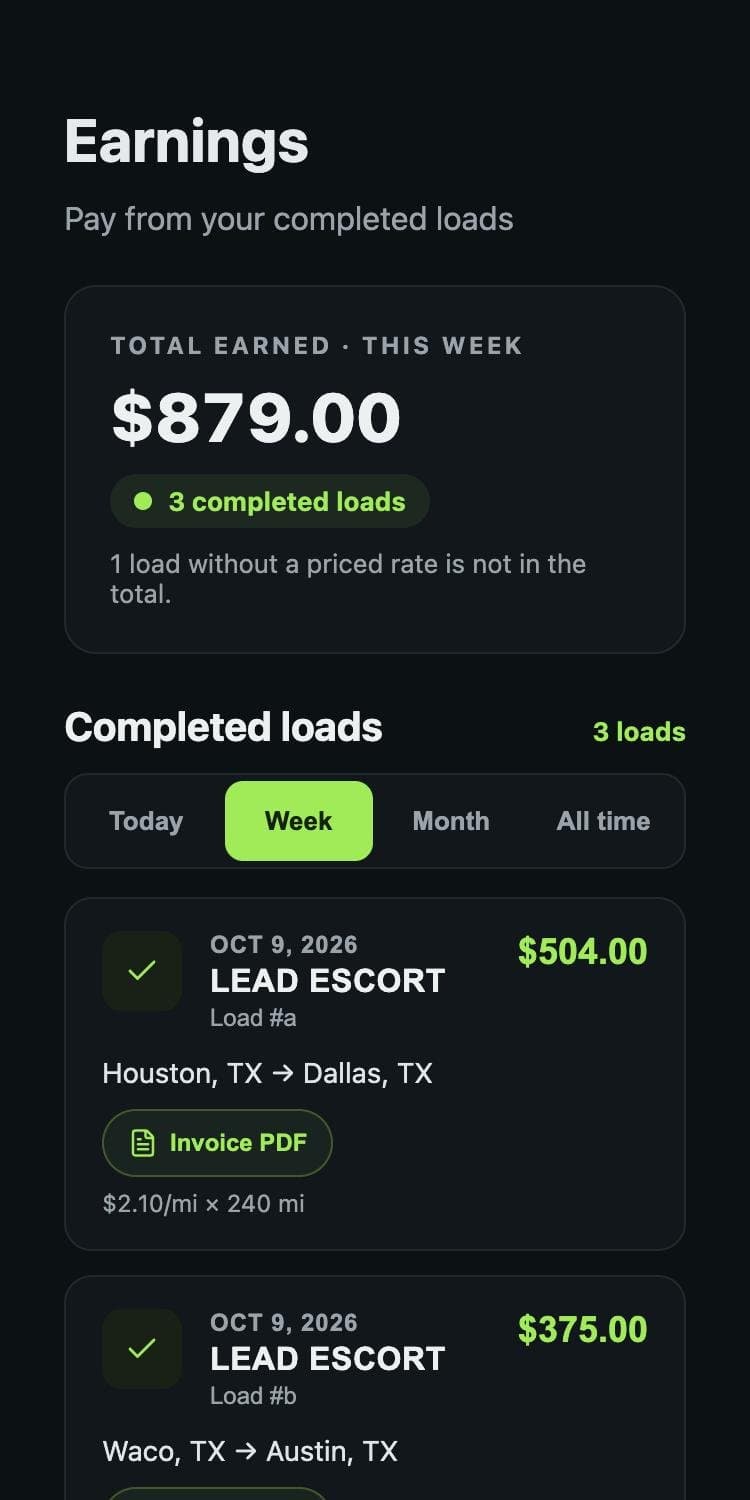
The Driver posts the load. The Pilot requests a position. The job is confirmed when the Driver accepts and the Pilot confirms the terms.
Add the dimensions, route, pickup date, rate and escort positions you need.
Find a load that fits your area and services, then send the Driver a job request.
Review the Pilot’s profile and request, then accept with the job details and terms.
Review the Driver’s acceptance and rate terms, then confirm to lock in the job.
Enter actual miles and services after Driver delivery. Driver approval creates an invoice in both histories.
Confirm your email, then choose Driver or Pilot for your account.
Have your license and profile details ready. See setup requirements or ask about access, pricing and coverage before signing up.